Split the Points
Let the room split a total by percentage, points, or budget. A live allocation slide for prioritisation workshops, planning sessions, and decision-making.
- Family
- Poll
- Scoring
- Unscored
- Best for
- Polls & opinions · Prioritise
- Ready-made games
- 2
You play as a player, straight away. No sign-up.
Top games in this format
2 games See all games in this format
Run Split the Points with your group
Host it live from your screen while everyone joins on their phone, or open it in AhaSlides and swap in your own questions.
About this game
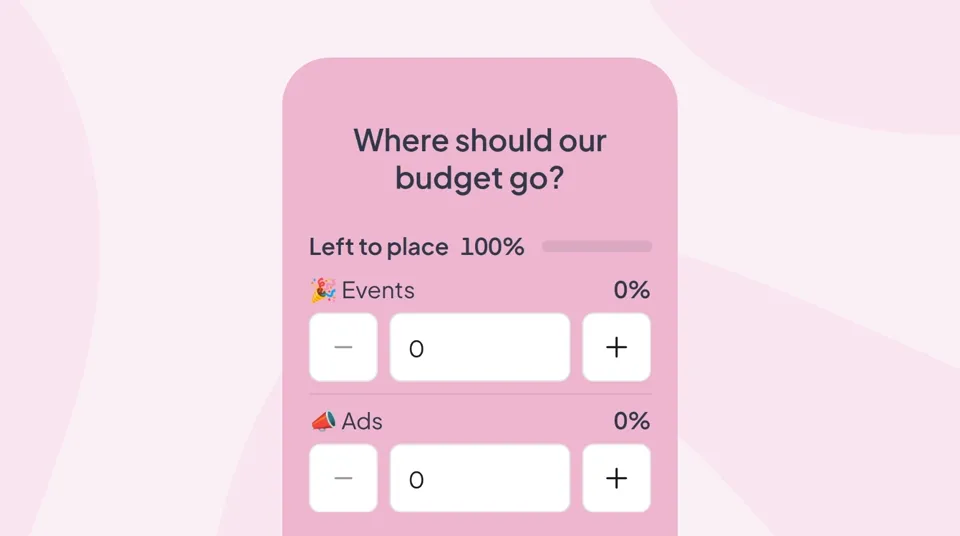
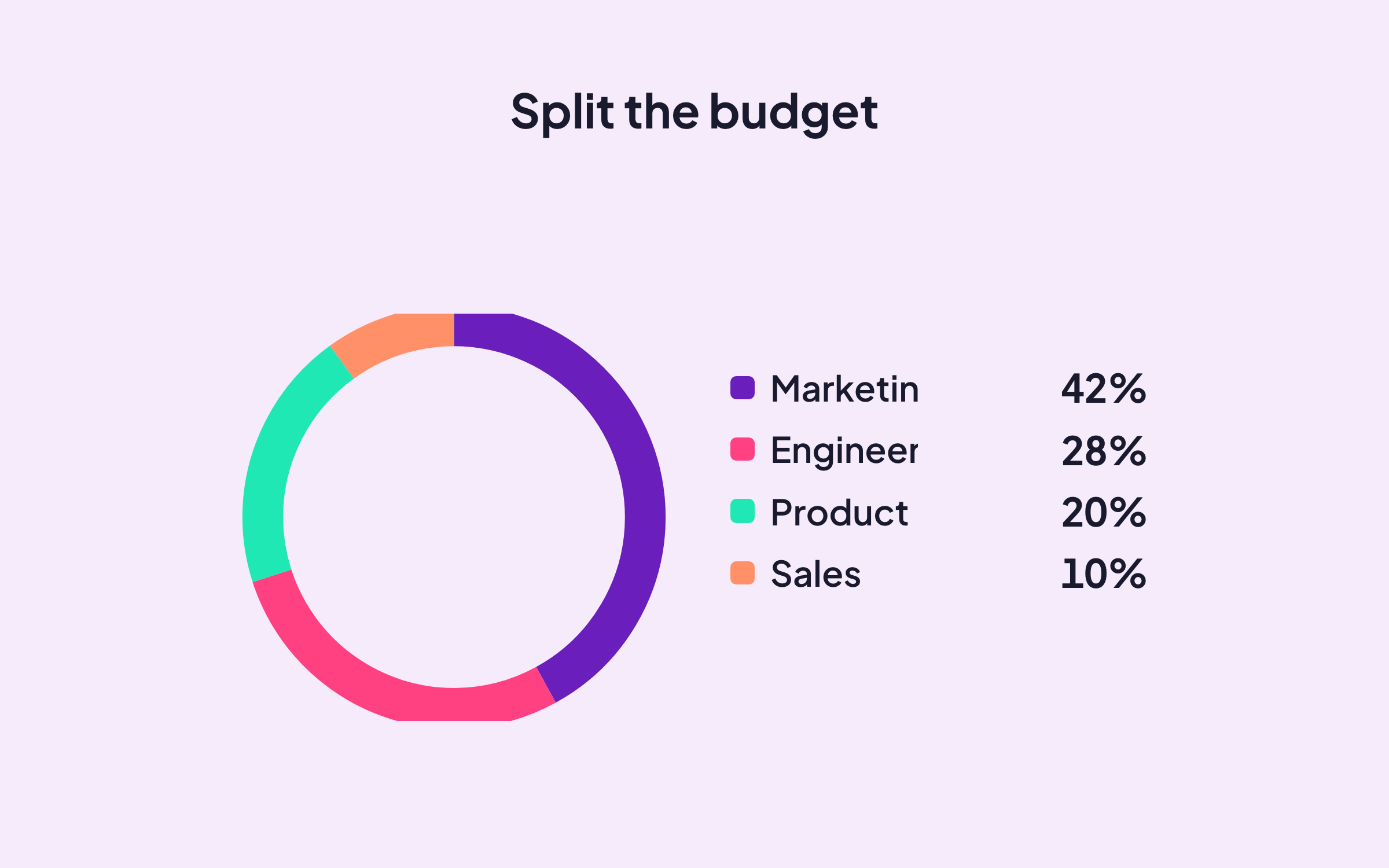
Split the Points is the live allocation slide for decisions that are not yes-or-no: how should we spend the budget, which features get the roadmap slots, where should the team focus this quarter. Audiences distribute a fixed total across options from their phone; the aggregated result shows exactly where the group weight lands.
How Split the Points works
Split the Points is a single voting slide with a total-must-equal constraint that forces trade-offs:
- List the options to allocate across: features, budget lines, team goals, or any set.
- Set the total (100%, $10K, 20 points) and any per-option limits you need.
- Audiences drag sliders on their phone until their allocation adds up to the total.
- The presenter view aggregates every submission into a single group weighting.
Best for
Split the Points fits any decision where "everything is important" is not a real answer:
- Product managers: feature prioritisation, roadmap slot allocation, sprint scoping sessions.
- Finance & leadership: budget-splitting workshops across teams, initiatives, or line items.
- Strategy consultants: client workshops on where to invest time, headcount, or capital.
- HR & team leads: OKR weighting, quarterly focus votes, and priority-of-priorities exercises.
Why teams love Split the Points
Split the Points is the slide teams use when the fear is "we said everything is important, so nothing changed":
- Forces real trade-offs: the total constraint prevents "everything gets 10 out of 10" voting.
- Shows group weighting clearly: the aggregated split makes the collective priority obvious.
- Anonymous by default: honest allocations, especially on politically sensitive spending.
- Custom units: points, percentages, dollars, hours; whatever unit the decision is denominated in.
Free to run and the sharpest way to turn a prioritisation debate into a group decision.